7 Tips for Choosing the Best Laser Machine
Choosing a Laser Machine is not just a question of power or price. The right choice depends on the material, process, workload, and finish your operation actually needs. A machine that cuts thin acrylic cleanly may struggle with thicker stock or detailed engraving. The difference often shows up at the workbench: rough edges, slow production, or jobs that need repeating.
The market is expanding, but growth alone does not identify the right equipment. MarketsandMarkets estimated the broader laser technology market at $20.5 billion in 2023 and projected $35.3 billion by 2028. That figure covers laser technology, not just industrial machines, so it should not be mistaken for a buyer’s guide. Theodore Maiman, widely credited with building the first working laser, is often quoted as saying, “The laser is a solution looking for a problem.” It is a useful reminder: define the job before shopping for the tool.
Fit matters. One tempting shortcut—and a flawed one—is to compare machines by headline wattage alone. Instead, check sample results, operating costs, service support, safety features, and compatibility with your materials. Ask vendors to run a test using your actual design and stock. Keep the results. A glossy specification sheet cannot show every practical limitation, and even a careful test may not reflect years of daily use. The seven tips ahead offer a grounded way to compare options, ask sharper questions, and choose with fewer costly surprises.
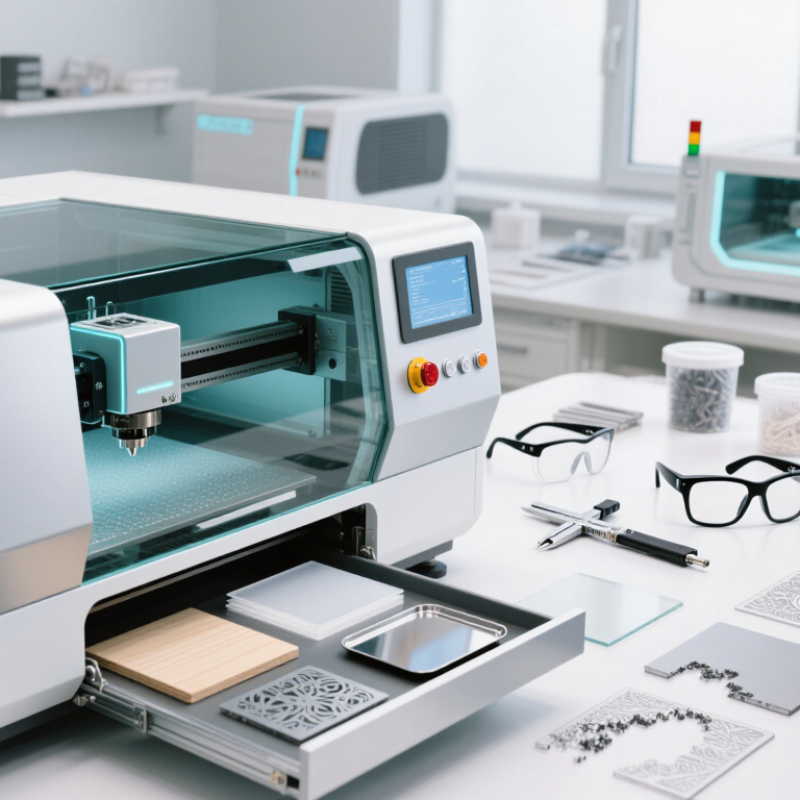
Identify the Materials and Tasks the Laser Machine Must Handle
A useful laser machine starts with a clear list of materials and jobs, not a guessed power rating. Note what you plan to cut or engrave, the largest workpiece, and how often you expect to run jobs. Include actual thicknesses: engraving a thin plywood tag differs from cutting a thick panel. Start with samples.
Material names alone do not tell the whole story. Coatings, adhesives, and surface treatments can change how a material reacts to heat. Check the machine’s wavelength and material guidance, then test a small offcut before committing a full sheet. Review safety information for fumes, and use suitable extraction. Never assume a material is safe to process just because it is common in craft or workshop settings.
Match the machine to the task. Fine lettering needs reliable focus and motion control; repeated production may need a larger bed and consistent operation. Consider the required edge quality, detail, tolerances, and setup time. A machine that can cut a material once may not suit daily production. One easy mistake is planning around ideal samples. Real stock can vary in thickness or finish, so allow room for testing—and revise your estimate when results disagree.
Compare Laser Types, Power Levels, and Work Areas
Choosing a laser starts with the material, not the biggest number on a spec sheet. CO2 machines suit wood, many acrylics, and some fabrics; check the material guidance before processing anything. Diode models often handle wood engraving and thin stock, but clear acrylic can be a poor match. Fiber lasers are commonly used to mark metals. For cutting metal, verify the machine’s stated capability rather than assuming a marking laser can do it.
Power affects speed and depth, but it is not the whole story. Compare optical output, not just electrical consumption, and look for sample results on materials like yours. More power may cut faster, yet it can also leave darker edges or scorch small details. Run a small test. A scrap piece can reveal focus or speed problems before they spoil a finished panel.
Check the usable work area against your largest planned item, including room for clamps and safe movement. A 300-by-200-millimeter bed may suit tags, while larger signs need more space. Measure twice. Also check Z-height and whether a rotary attachment reduces usable room. Ventilation, enclosure, and accessible emergency controls matter in daily use. Specs can look neat; real projects are messier, and I would leave extra space for the awkward piece you have not planned yet.
Evaluate Precision, Speed, Software, and Ease of Use
A laser machine should prove its precision on the materials and thicknesses you actually use. Ask for a test cut, then inspect fine corners, small holes, and repeated parts with a caliper. Watch for heat marks and rough edges. Speed matters, but compare completed parts, not the machine’s advertised maximum. Include loading, focusing, and cleanup in the timing. A fast cut can still mean a slow job.
Software and daily usability deserve equal attention. Deloitte’s 2024 Smart Manufacturing and Operations Survey found that 86% of surveyed manufacturing executives saw smart manufacturing solutions as a primary driver of competitiveness over the next five years. That is an industry outlook, not proof that any one interface improves output. Check whether the software imports your common file types, shows errors clearly, and lets operators adjust settings without digging through menus. Small frustrations add up.
Tip: Run the same sample job on each machine. Record cut time, edge quality, setup steps, and operator questions. Test the workflow yourself; a polished demonstration can hide awkward handoffs. Still, one test is not enough. Repeat it after a fresh setup, and note where results vary.
Balance Total Cost Against Performance and Future Needs
A laser machine’s purchase price is only the visible part of its cost. Add installation, ventilation, training, replacement parts, and routine maintenance before comparing models. A lower-priced machine may need more frequent servicing or slower settings to produce clean edges. That difference matters when orders are waiting and material is already on the worktable.
Match performance to real jobs, not impressive specifications alone. Estimate the materials, thicknesses, and weekly workload you actually expect. Ask how output changes across those conditions, and request a sample cut when possible. Small details count: a few extra minutes per sheet can add up over a busy month. But forecasts are imperfect. It is easy to overestimate future demand, then pay for capacity that sits idle. Consider whether the machine can handle likely new work, such as larger formats or different materials, without buying far beyond your needs. Include operating costs in the comparison, and leave room in the budget for unexpected repairs. A simple cost-per-job estimate can help, though it will never capture every delay or learning curve. A little uncertainty is normal. The goal is a machine whose performance fits today’s work and whose ongoing costs remain manageable as that work changes.